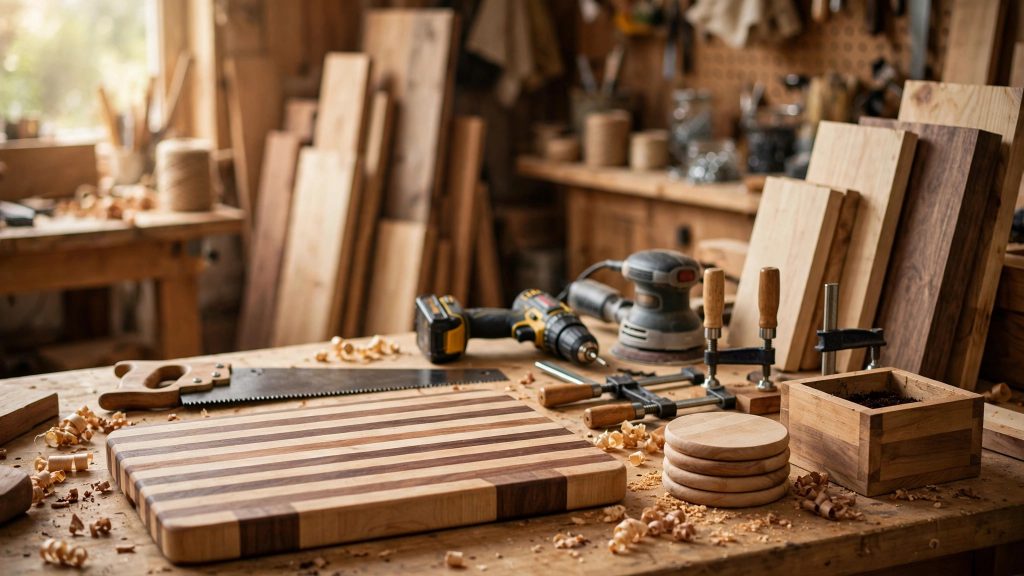
Sanding is the step that separates a project that looks homemade from one that looks handmade. You can cut perfect joints and still ruin the result with scratches, swirl marks, or a blotchy finish — and you can rescue an imperfect build with a patient, well-planned sanding routine. That is why choosing the best random orbital sander for beginners woodworking matters so much: it is the one power tool that touches almost every surface of almost every project you will ever make, from a simple cutting board to a bookshelf, a tabletop, or a set of easy woodworking projects for beginners that sell.
Here is the short answer, up front. For most beginners, a corded 5-inch random orbital sander with variable speed and a good dust port is the right first sander. Our top pick is the DeWalt DWE6423: it is smooth, well balanced, widely available, and its variable-speed dial lets you slow down for delicate work and speed up for paint or rough stock removal. If you want a softer start and a slightly gentler feel, the Makita BO5030K is an excellent second choice. On a tight budget, the Black+Decker BDERO100 gets the job done for small projects, and the Bosch ROS20VSC is a strong all-rounder with particularly good dust collection. Every one of these will sand a board flat and smooth — the differences are in comfort, vibration, dust control, and how long the tool stays pleasant to use on a long afternoon.
The rest of this guide explains why a random orbital sander beats the alternatives for a beginner, how its motion actually works, how to choose between sizes and power options, and how to sand without swirl marks. You will also find a grit-progression table you can follow on your very first project, a step-by-step routine, and the mistakes that cause most beginner sanding problems. No prior sanding experience is assumed.
Why a Random Orbital Sander Beats a Palm or Belt Sander for Beginners
A beginner faces three common sanding tools, and they are not interchangeable. A palm sander — also called a finishing sander — moves its rectangular pad back and forth in a straight line. It is cheap and light, but that straight-line motion tends to leave visible scratch lines, especially across the grain, and it removes material slowly. A belt sander is the opposite extreme: a powerful loop of abrasive that eats wood fast. In experienced hands it flattens tabletops quickly, but in beginner hands it gouges, rounds edges, and creates dips that are hard to fix. It is a specialist tool, not a first sander.
A random orbital sander sits in the sweet spot between those two. Its round pad spins and, at the same time, wobbles in tiny random orbits. That combination does two things a beginner needs. First, it removes material much faster than a palm sander, so you are not spending an hour on one shelf board. Second, because no single abrasive particle travels the same path twice, it does not leave the regular scratch pattern that gives palm sanders away — or the swirl pattern that a plain orbital sander leaves. The result is a surface that is ready for finish after far less hand-sanding than either alternative would require.
There is a second, less obvious advantage: forgiveness. A random orbital sander is hard to ruin a board with, provided you keep it flat and keep it moving. It will not dig a trench the way a belt sander will, and it will not stall or chatter the way a cheap palm sander can. You can pause, check your work, change grit, and start again without a visible seam. That forgiveness is exactly what a beginner needs while learning how much pressure to use, how fast to move, and what a properly sanded surface actually feels like.
That does not mean a random orbital sander replaces hand sanding entirely. You will still want a sanding block and a few sheets of paper for corners, inside edges, and final passes with the grain. Think of the power sander as doing about 90 percent of the work, and hand sanding as the finishing touch that makes the last 10 percent disappear. For a fuller walkthrough of that hand-finishing stage, see our guide on how to sand and finish wood for beginners.
How Random-Orbit Action Works (and Why It Prevents Swirls)
Understanding the motion helps you use the tool well, so here is the simple version. Inside a random orbital sander, the motor drives the pad in two motions at once. The pad rotates, and it also orbits — it travels in small circles around a central axis, with an orbit diameter typically between 1/16 inch and 3/16 inch. Crucially, the pad is free to rotate randomly rather than being geared to a fixed pattern, so the abrasive grains constantly change direction.
Swirl marks happen when abrasive particles repeat the same circular path over and over, carving a visible pattern into the wood. A fixed-orbit sander does exactly that. A random-orbit sander breaks the pattern: because each grain’s path is effectively random, scratches cross each other at many angles and at a very fine scale, and the eye reads the result as a uniform matte surface rather than as scratches. That is why a random orbital sander can jump from 120 grit to 180 grit and still leave a surface that takes stain evenly, while a palm sander at the same grits can leave lines that only show up once the stain goes on — the worst possible moment to discover them.
Two numbers describe a sander’s action, and both are worth knowing. Orbit diameter controls aggressiveness: a larger orbit removes material faster but leaves a slightly rougher surface, while a smaller orbit is gentler and better for fine finishing. Most beginner sanders use a small orbit, around 1/16 inch, which is the right choice for furniture and small projects. The second number is orbits per minute, or OPM. A typical corded sander runs from about 8,000 to 12,000 OPM, and a variable-speed model lets you choose within that range. Higher speed removes material faster; lower speed gives you more control, less heat, and less risk of burning or gouging softwoods like pine.
How to Choose: 5-Inch vs 6-Inch, Corded vs Cordless, Speed and Dust
5-inch vs 6-inch pads
For a beginner, 5 inches is almost always the right answer. A 5-inch sander is lighter, easier to control one-handed, cheaper to buy discs for, and fits comfortably on the narrow boards used in most beginner projects — shelves, boxes, cutting boards, and small tables. Discs are available everywhere, in every grit, in both hook-and-loop and adhesive styles.
A 6-inch sander covers about 44 percent more area per pass, so it is faster on tabletops and large panels, and it is the standard size in professional shops. But it is also heavier, harder to balance on narrow stock, and its discs cost more. If your first projects are mostly furniture-sized panels, a 6-inch model is defensible — but most beginners build small first, and a 5-inch sander will handle a tabletop perfectly well, just a little more slowly. Buy the 5-inch, learn on it, and add a 6-inch later only if large panels become your main work.
Corded vs cordless
Corded sanders are cheaper, lighter for the same power, and never run out of charge mid-board — which matters, because a half-sanded board with a visible stopping line is a real frustration. Their only drawback is the cord, which you manage by draping it over your shoulder or clipping it out of the way. For shop work, corded wins for beginners on every practical measure.
Cordless sanders make sense if you sand outdoors, on a job site, or away from an outlet, and if you already own batteries in the same system. They cost more once batteries are counted, they are heavier, and runtime on a single charge is limited, especially at high speed. If you already have a cordless platform and you sand outside often, a cordless model is a reasonable choice — but do not buy into a whole battery system just for a sander. Start corded, and go cordless later if your work genuinely leaves the shop.
Variable speed, dust port, and ergonomics
Variable speed is the single most valuable feature on a beginner sander, and it is worth paying a little extra for. Low speed is for finish sanding, softwoods, veneer, and sanding between coats of finish. High speed is for stripping paint, rough stock removal, and hardwoods. A single-speed sander forces you to do delicate work at full speed, which is how beginners burn pine and sand through veneer. Look for a dial you can adjust with the sander running, ideally without changing your grip.
The dust port matters more than beginners expect. Sanding creates a huge amount of fine dust, and that dust does three bad things: it clogs the abrasive so it stops cutting, it settles back on the surface and gets ground in as scratches, and it fills the air you breathe. A sander with a dust bag or a port that fits a shop vacuum keeps the disc cutting longer, keeps the surface cleaner, and keeps your lungs happier. If you are setting up a small shop, read our guide to diy dust collection for a small workshop before you buy — a ten-minute hose adapter can transform how pleasant sanding feels.
Finally, hold the sander before you buy if you can. Weight, balance, vibration, and grip shape matter more than brand loyalty. A sander that vibrates badly will tire your hands in twenty minutes, and tired hands press harder and sand unevenly. The best sander is the one you can hold flat, relaxed, for an hour without dreading the next board.
Beginner Picks Compared: 4 Sanders with Honest Trade-Offs
The table below compares the four beginner sanders named in this guide. Prices move with sales and region, so treat them as a rough ordering — budget, mid-range, mid-range, mid-range — rather than exact figures, and check current pricing before buying.
| Sander | Type / pad | Variable speed | Dust collection | Best for | Honest trade-off |
|---|---|---|---|---|---|
| DeWalt DWE6423 | Corded, 5 in | Yes, dial | Bag + vacuum port | Most beginners; all-round first sander | Slightly heavier than budget models; bag fills fast without a vacuum |
| Makita BO5030K | Corded, 5 in | Yes, dial | Bag + vacuum port | Smooth, low-vibration finish work | Lower top speed than the DeWalt; case adds cost |
| Black+Decker BDERO100 | Corded, 5 in | No (single speed) | Dust bag | Tight budgets; small, occasional projects | Single speed limits delicate work; more vibration on long sessions |
| Bosch ROS20VSC | Corded, 5 in | Yes, dial | Excellent bag + vacuum port | Dust-sensitive shops; finish sanding | Pad brake can feel grabby until you get used to it |
The DeWalt DWE6423 earns the top pick because it balances everything a beginner needs: a comfortable grip, a useful speed range, widely available 5-inch discs, and a dust system that works with or without a vacuum. Its vibration is well controlled for its price, and its pad brake stops the disc quickly when you lift it off the wood, which prevents the little gouge marks that happen when a spinning pad touches down at an angle.
The Makita BO5030K is the quiet achiever. It runs noticeably smoothly, which matters on long sanding sessions, and its soft-start feel is gentle on the workpiece. Its top speed is lower than the DeWalt’s, so stripping paint takes a little longer, but for furniture work that is rarely a problem. If you know you are sensitive to vibration, or you plan to sand for hours at a time, the Makita is arguably the better pick.
The Black+Decker BDERO100 is the honest budget option. It sands flat, it takes standard 5-inch hook-and-loop discs, and it costs roughly half what the others do. Its limits are real, though: a single speed means you cannot slow down for softwood or between-coat sanding, and it vibrates more, so long sessions are tiring. For a beginner who sands a few boards a month, those limits may never matter. For someone sanding every weekend, they will — and that is when an upgrade pays for itself.
The Bosch ROS20VSC rounds out the list with the best dust collection of the four and a refined variable-speed dial. Its pad brake, which stops the pad spinning when you lift the tool, can feel grabby at first — the pad seems to catch as it touches the wood — but once you learn to set the sander down flat before switching on, it becomes second nature. If dust control is your top priority, perhaps because you sand indoors, the Bosch deserves serious consideration.
One buying note that applies to all four: check what is in the box. Some kits include a case, a dust bag, and a few starter discs; others are bare tools. Starter discs are usually coarse, so budget for a proper set of discs in 80, 120, 180, and 220 grit before your first project, and buy hook-and-loop discs that match your sander’s hole pattern so dust extraction works as designed.
Grit Progression: The Table to Follow on Every Project
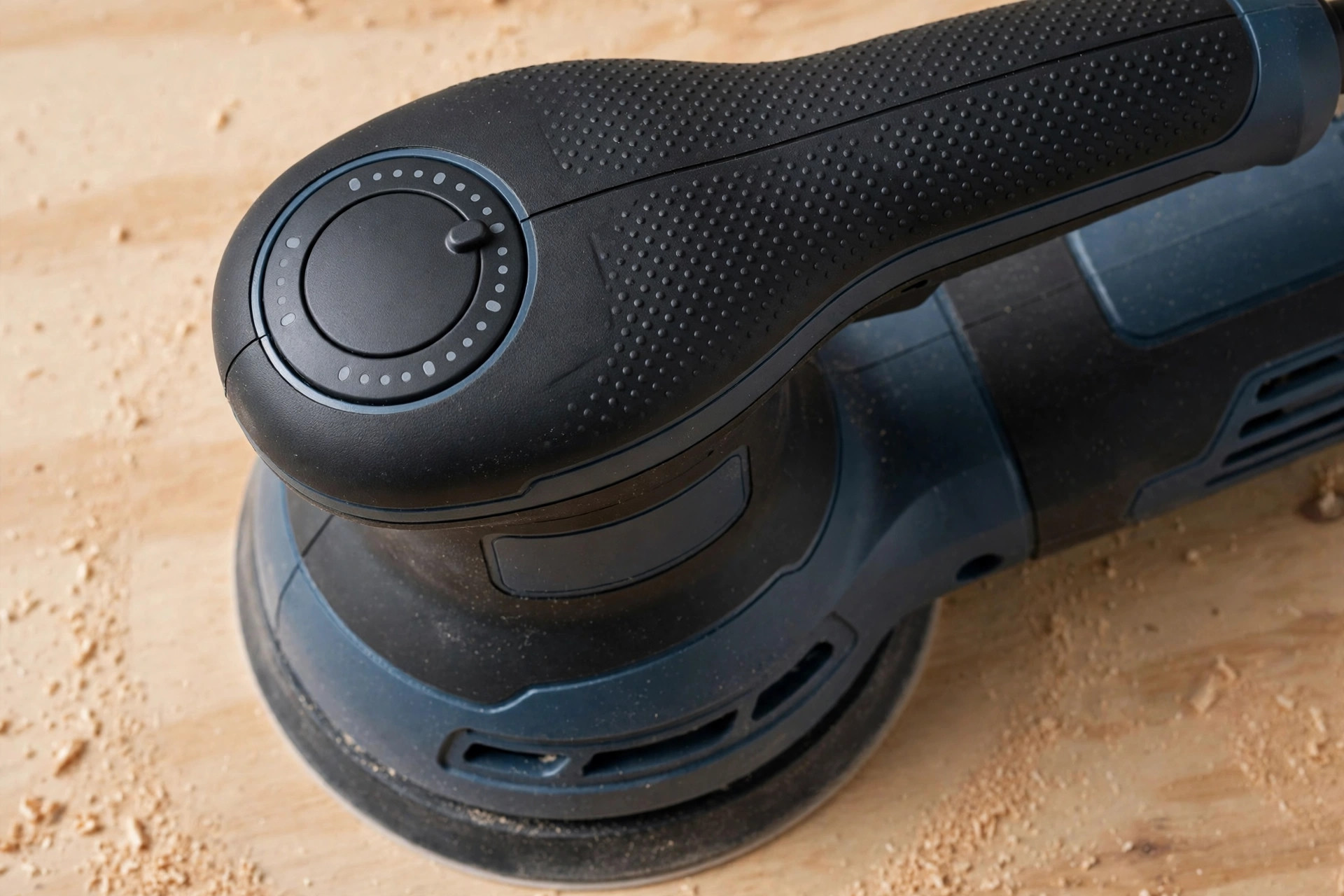
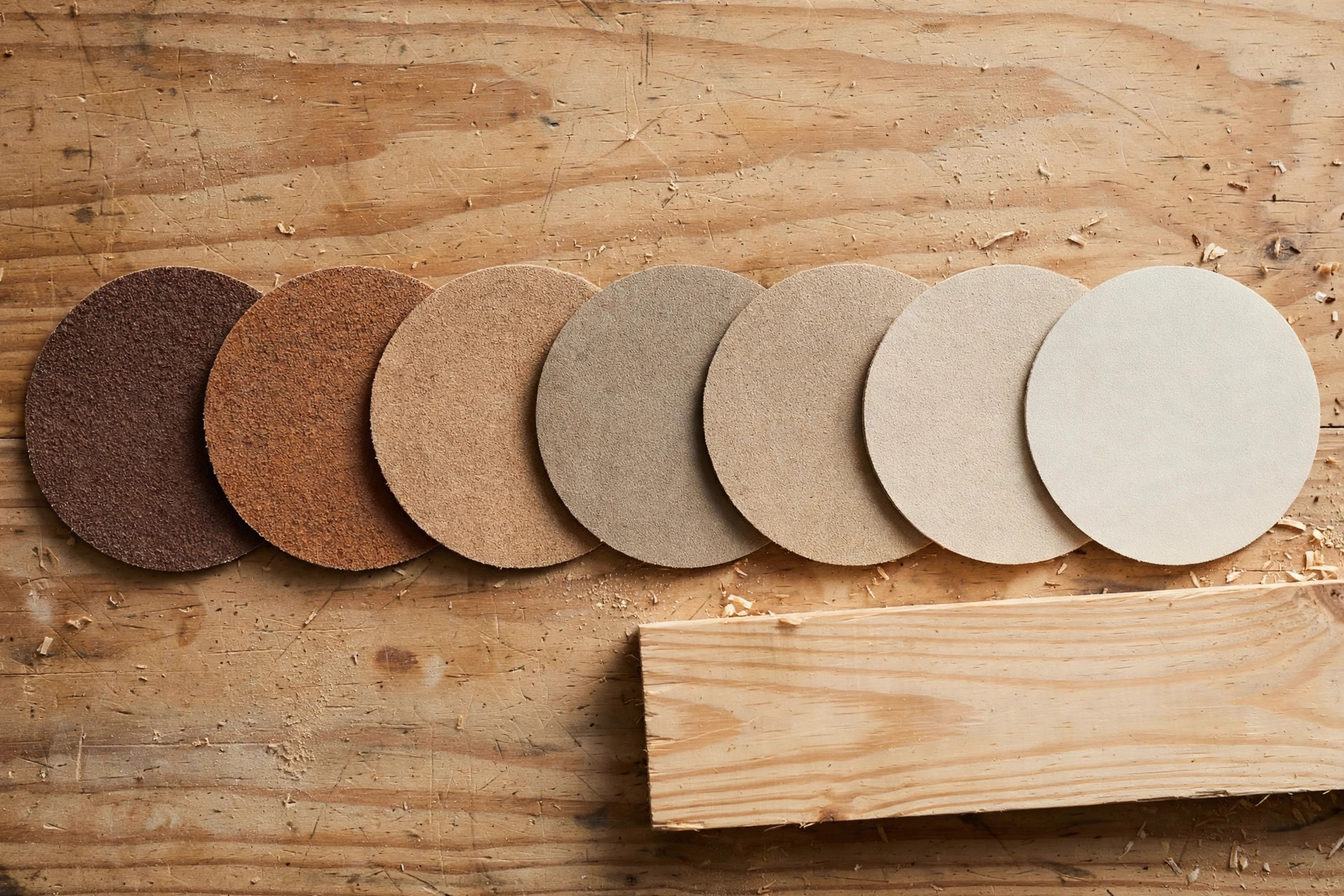
Grit numbers measure abrasive size: lower numbers are coarser and remove more wood, higher numbers are finer and leave a smoother surface. The beginner rule is simple — never skip more than one grit step, and never jump from coarse to fine hoping the fine grit will erase the coarse scratches. It will not, or it will take so long that you give up first. Each grit’s job is to remove the scratches left by the previous grit, and that only works if the steps are close together.
| Stage | Grit | What it does | When to use it |
|---|---|---|---|
| Rough shaping | 40–60 | Removes mill marks, levels uneven boards, strips old finish | Only on rough lumber or heavy stripping; skip on pre-surfaced boards |
| Stock removal | 80 | Flattens, removes saw marks and dents | First grit on most beginner projects |
| General sanding | 120 | Removes 80-grit scratches, prepares for finishing | The workhorse grit; most projects start or pass through here |
| Pre-finish | 150–180 | Smooths for oil, stain, or paint | Last power-sander grit for most stained projects |
| Fine finish | 220 | Final smoothing before topcoat | Last grit before finish; also between coats with a light touch |
| Between coats | 320 | Knocks down dust nibs in a finish coat | Very light passes only, by hand or at low speed |
For a typical beginner project — say, a pine shelf made from pre-surfaced boards — the progression is 80, 120, 180, and stop. If the board is already smooth from the store, you can start at 120 and go to 180, then 220 if you are applying a clear finish that will show every flaw. For a painted project, stopping at 150 or 180 is plenty, because paint fills fine scratches that stain would highlight. For an oil finish on hardwood, going to 220 gives a noticeably silkier feel.
Two practical tips make grit progression work. First, vacuum or brush the surface between grits. Dust left on the board can carry coarse particles into your fine-grit pass and re-scratch the surface you just smoothed. Second, change discs often. A dull disc does not cut — it heats, it polishes, and it leaves a glazed surface that stain absorbs unevenly. If you are pressing harder to get the sander to cut, the disc is done; swap it. Discs are cheap, and a fresh disc is always cheaper than re-sanding a stained board.
Step-by-Step: Swirl-Free Sanding on Your First Board
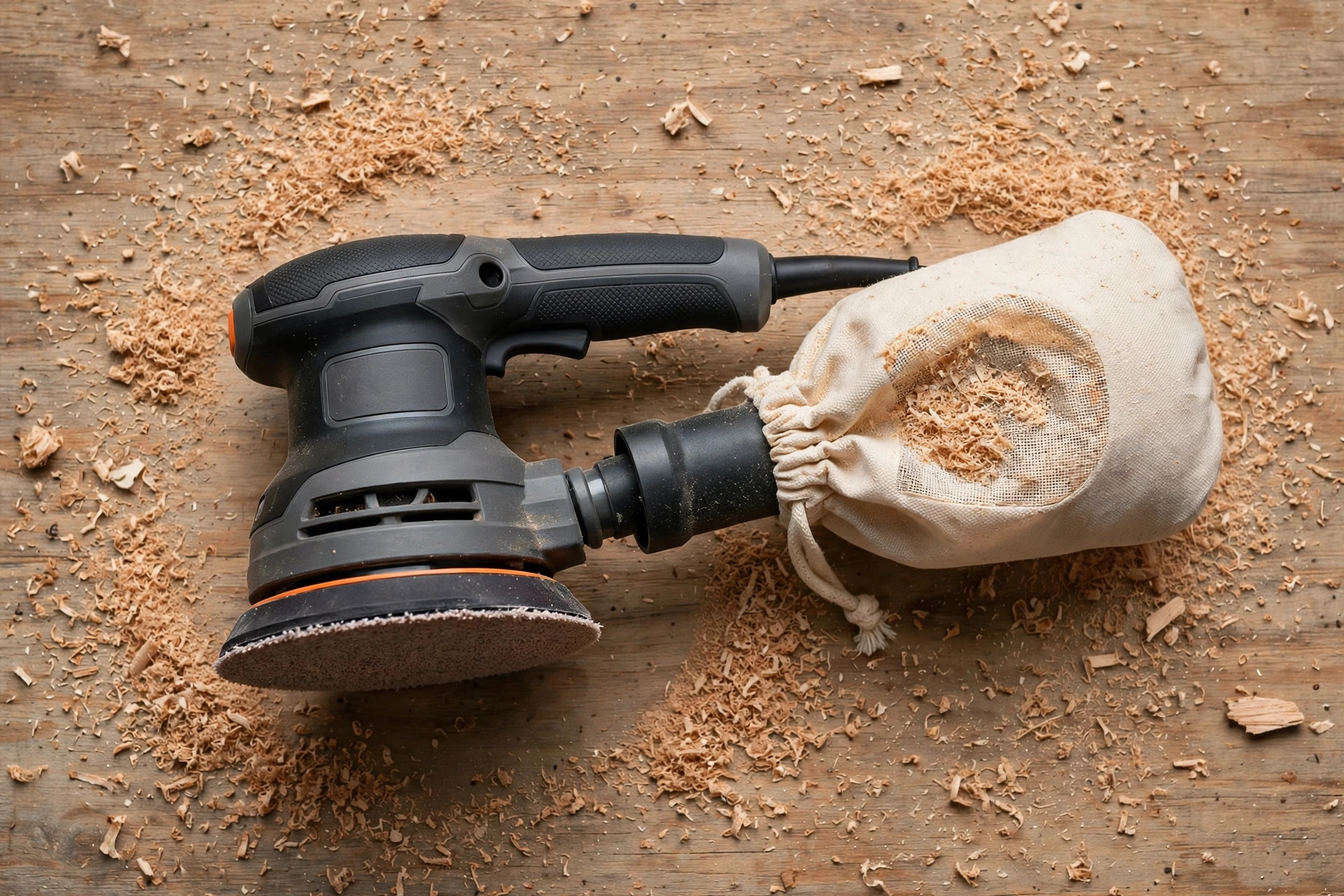
Here is the routine, start to finish, for a flat board. Follow it exactly the first few times, and it will become automatic.
1. Prepare the board and the workspace. Remove any staples, nails, or grit from the surface. Check for glue squeeze-out along joints — dried glue blocks stain and shows as a pale blotch, and sanding alone rarely removes it fully, so scrape it first. Clamp the board so it cannot move, and make sure you can reach the whole surface without leaning over the sander.
2. Choose your starting grit. For pre-surfaced boards, start at 80 or 120 grit. For rough lumber, start at 60 or 80. Attach the disc firmly, centred on the pad, so the dust holes line up. A misaligned disc blocks dust extraction and wears unevenly.
3. Set the speed. Start in the middle of the range. You will learn to go slower for softwood and finish work, and faster for stripping, but medium speed is forgiving while you learn the feel of the tool.
4. Place the sander flat before switching on. This is the single most important habit. Set the pad flat on the wood, then switch on. Lifting a spinning sander onto a board at an angle is how edge gouges happen. The same rule applies in reverse: switch off, wait for the pad to stop, then lift.
5. Let the weight of the sander do the work. Hold the sander with a relaxed grip, keep it flat, and guide it slowly across the board. Move at roughly one inch per second — slower than feels natural. Overlap each pass by about half the pad width, and work in a systematic pattern, for example left to right, then top to bottom, so no area is missed or double-sanded. Do not press down. Pressing harder does not sand faster; it slows the pad, creates heat, and dishes out soft areas of the grain.
6. Sand with the grain on the final passes of each grit. Random-orbit action works in all directions, but finishing each grit with a few slow passes along the grain helps any remaining scratches align with the grain, where they are far less visible. This is especially important on the last grit before finishing.
7. Clean, inspect, and change grit. Vacuum the board, wipe it with a dry cloth or a tack cloth, and inspect it in raking light — hold the board so light skims across the surface at a low angle, which reveals scratches and dents that overhead light hides. Run your hand over the surface; your fingertips will feel scratches your eyes miss. Only then move to the next grit, and repeat the whole routine.
8. Finish by hand where the sander cannot reach. Corners, inside edges, and end grain need a sanding block and a sheet of the same final grit. Sand end grain one grit finer than the faces, because end grain absorbs stain more darkly, and the finer scratch pattern helps even that out. A light hand-sanding pass over the whole surface with the final grit, always with the grain, is a good final step before any finish goes on.
Work through the grits patiently and the surface will tell you when it is ready: it will feel uniformly smooth in every direction, it will look even under raking light, and a wipedown with a damp cloth — a preview of how stain will look — will show no pale scratches or dark blotches.
Sanding a Board Without Swirl Marks: Technique in Detail
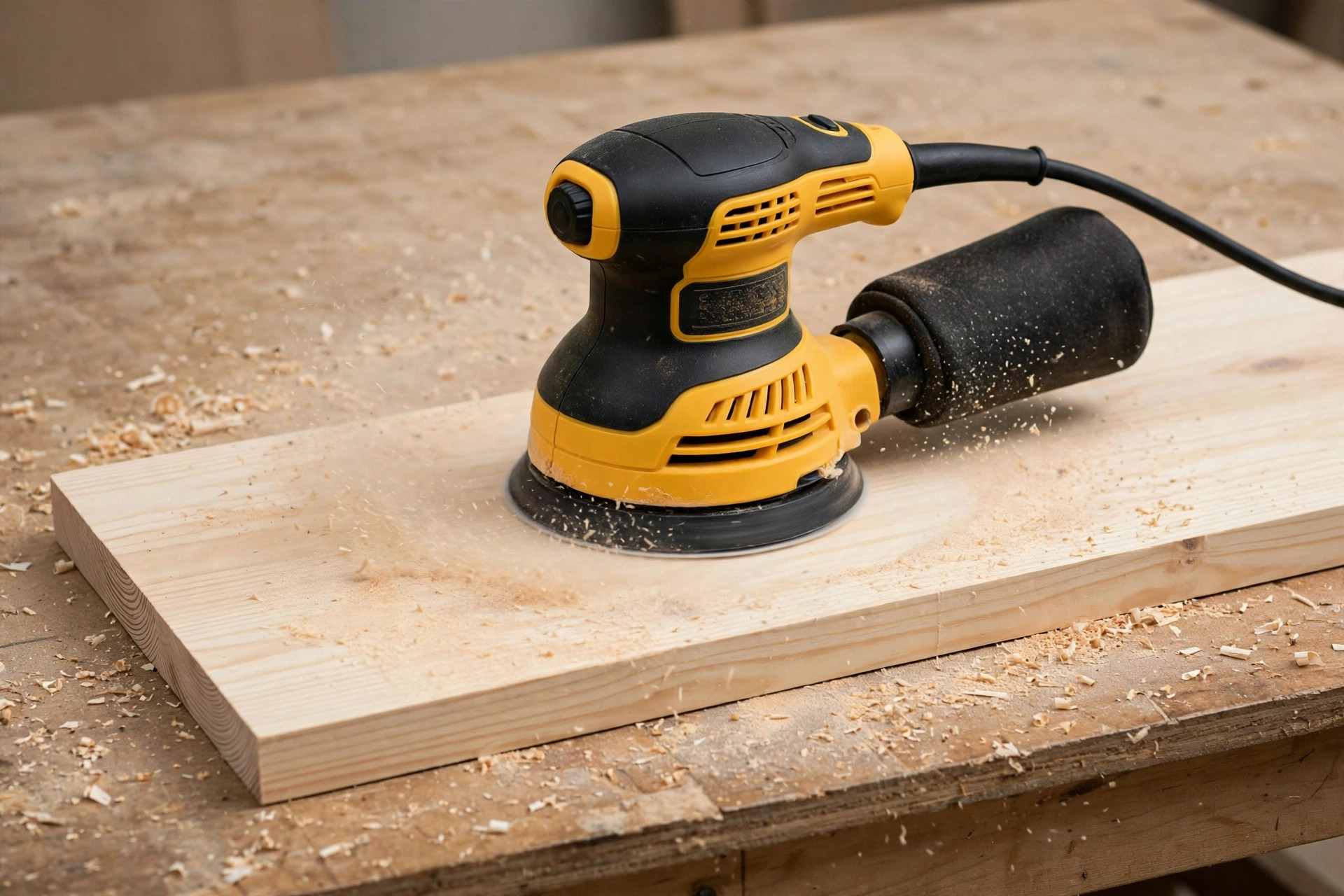
Swirl marks have four usual causes, and all four are technique problems, not tool problems. The first is a dirty or worn disc. A disc clogged with dust stops cutting evenly and starts burnishing in circles. Change discs often, and use dust extraction every time. The second is tilting the sander. Even a slight tilt concentrates pressure on one edge of the pad, which cuts a crescent-shaped mark. Keep the pad flat — check your grip, and if your wrist is bending, reposition the board rather than the sander.
The third cause is moving too fast. Rushing the sander across the board leaves an uneven scratch pattern, because the random action needs time in each spot to average out. Slow down, overlap passes, and let the tool dwell. The fourth cause is skipping grits. Jumping from 80 to 220 grit leaves deep 80-grit scratches that the fine disc cannot reach, and those scratches show as swirls under finish. Follow the progression table, every time, even when you are impatient.
If you do find swirl marks after finishing a grit, do not jump to a finer grit to hide them. Go back one grit, re-sand the area with slow, flat, overlapping passes, clean the surface, and work forward again. It feels like going backwards, but it is faster than discovering the marks under stain and having to strip the finish.
Dust control deserves a second mention here, because it is directly tied to swirl-free results. A dust bag catches the coarsest dust, but a shop vacuum connected to the sander’s port keeps the disc and the surface far cleaner, which means fewer stray particles grinding into the surface. If your sander’s port does not fit your vacuum hose, a simple step adapter from the hardware store usually solves it for a few dollars. For a small shop, this one connection is the highest-value upgrade after the sander itself, and our diy dust collection guide for a small workshop walks through the options.
Common Beginner Mistakes (and How to Fix Each One)
Pressing too hard. This is the number-one beginner mistake, and it causes nearly every other problem: heat, glazing, dishing, swirl marks, and tired arms. Fix it by consciously relaxing your grip and letting the sander’s weight work. If the sander slows audibly when you press, you are pressing too hard.
Skipping grits. Jumping from 80 to 220 grit, or from 120 straight to a finish, leaves scratches that show up under stain. Fix it by following the progression table and treating each grit as non-negotiable, even on small projects.
Sanding through veneer or a thin edge. Plywood veneer is often less than 1/40 inch thick, and a random orbital sander can cut through it in seconds, especially at high speed with coarse grit. Fix it by using low speed and fine grits on veneer, keeping the pad flat and moving, and never lingering on one spot.
Rounding over edges by accident. A sander that tips off an edge rounds it quickly, which ruins crisp joints and makes glue-ups look sloppy. Fix it by keeping the pad fully on the surface, sanding edges separately with a block, and easing edges deliberately at the end rather than accidentally during sanding.
Not cleaning between grits. Dust from a coarse grit, carried into a fine-grit pass, re-scratches the surface. Fix it by vacuuming and wiping between every grit change, without exception.
Sanding end grain the same as face grain. End grain is more absorbent and scratches differently, so it needs one grit finer and a lighter touch, or it will stain darker than the faces. Fix it by finishing end grain with a finer grit and sealing it lightly before staining if the colour difference persists.
Forgetting to check in raking light. Overhead workshop lighting hides scratches that a window or a low lamp reveals instantly. Fix it by inspecting every board in raking light before you call it done — it takes ten seconds and saves hours of rework.
Each of these mistakes is fixable, and most beginners make all of them at least once. The good news is that sanding mistakes are almost always fixable too: go back a grit, re-sand flat and slow, clean, and move forward. Wood is forgiving in a way that a miscut board is not, which is another reason sanding is such a good skill to learn early. It also pairs naturally with hand-tool work — once you can flatten and smooth a board, learning to choose the best hand plane for beginners makes even more sense, because the two tools complement each other on the same surfaces.
What a Good Finish Looks Like: Before and After
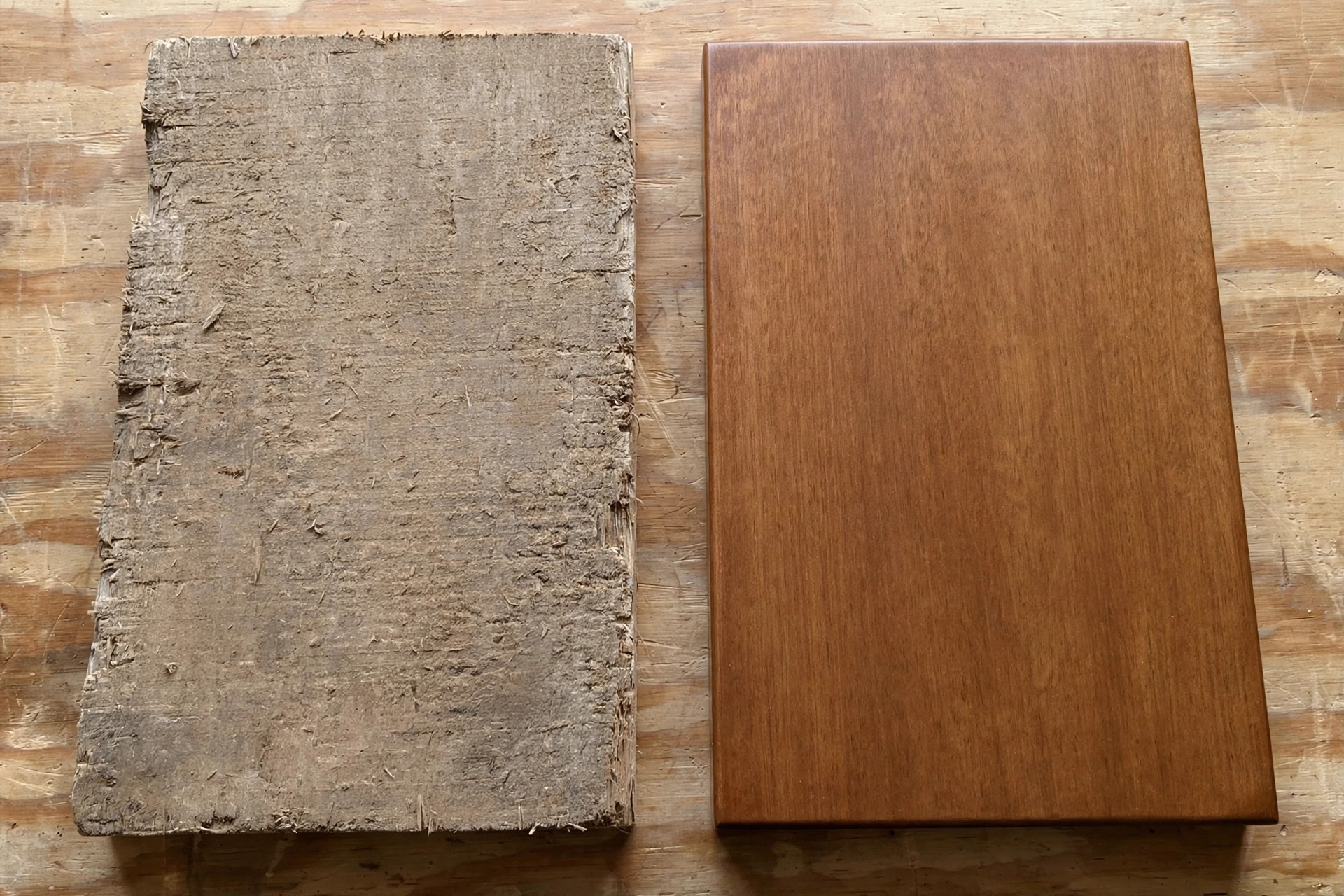
A well-sanded board has three qualities you can check before any finish goes on. Visually, it looks even under raking light, with no visible scratches, swirls, or shiny glazed patches. To the touch, it feels smooth in every direction — run your hand across the grain as well as with it, and both directions should feel the same. And when wiped with a damp cloth, it darkens evenly, with no pale glue spots or dark scratch lines. If any of those three checks fails, go back one grit and repeat.
The “after” side of that comparison is what a finished project should feel like: a shelf board that is silky under the hand, takes stain evenly, and shows the wood’s grain rather than the sander’s tracks. That result does not require expensive tools or years of experience. It requires the right grit progression, a flat pad, a slow pace, and dust control — all of which this guide has covered.
Beginner Projects That Teach Sanding Well
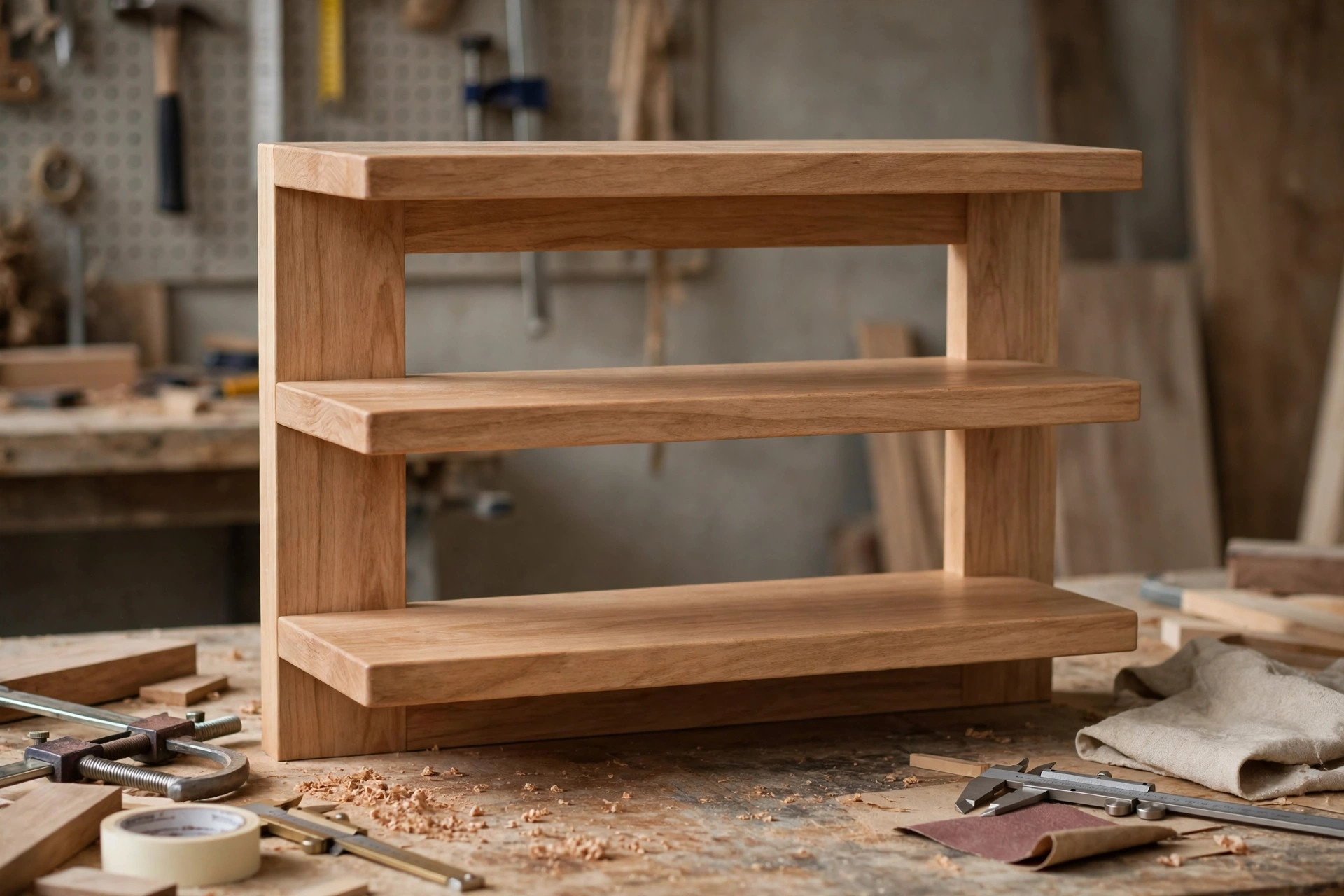
The fastest way to learn sanding is to sand real projects, not scrap. A cutting board teaches flat sanding, edge easing, and food-safe finishing. A small shelf teaches sanding a larger panel evenly, including the tricky middle where beginners tend to rush. A wooden box teaches inside corners and end grain, which a power sander cannot reach, forcing you to practise hand sanding where it counts. A picture frame teaches mitred corners and delicate, low-speed work.
Start with the shelf. It uses every skill in this guide — grit progression, flat technique, dust control, edge handling — and it produces something useful in an afternoon. Once the shelf feels easy, a tabletop is the same routine on a larger scale, and a set of beginner projects that sell becomes a realistic next step rather than a distant goal. Keep your first few projects in softwood or inexpensive hardwood, so mistakes cost little, and keep a small offcut from each project to test finishes on before committing to the real piece.
Maintenance, Discs, and Running Costs
A random orbital sander needs very little maintenance, but the little it needs matters. After each session, blow or brush dust out of the vents and the dust port, and wipe the pad clean. Check the hook-and-loop pad regularly: if discs stop sticking firmly, or the pad surface looks glazed or torn, replace the pad — a worn pad lets discs slip and sand unevenly, and a replacement pad costs far less than a ruined project. Keep the cord (on corded models) free of nicks, and never wrap it tightly around the tool while it is hot.
Discs are the main running cost. Expect to use several discs per project, especially in coarse grits, and buy in bulk packs of 50 in the grits you use most — 80, 120, and 180 — rather than small expensive packs. Hook-and-loop discs can be reused across sessions if they are still sharp, so peel them off carefully and store them flat, grit-side up, labelled by grit. A simple disc organiser — a board with labelled hooks, or a zip bag per grit — saves the familiar frustration of hunting for 180 grit mid-project.
Budget roughly for discs, a replacement pad every year or two of regular use, and a dust-bag or vacuum adapter if your sander does not include one. Compared with blades, bits, and lumber, sanding consumables are cheap — which is one more reason not to economise by reusing a dull disc past its useful life.
Frequently Asked Questions
What is the best random orbital sander for a complete beginner?
A corded 5-inch model with variable speed, such as the DeWalt DWE6423, is the best starting point for most beginners. It is affordable, widely available, easy to control, and its dust port works with a bag or a vacuum. If your budget is very tight, the Black+Decker BDERO100 will handle small projects, but its single speed makes delicate work harder.
Is a random orbital sander better than a palm sander for beginners?
Yes, for most work. A random orbital sander removes material faster and leaves a swirl-free surface, while a palm sander is slower and tends to leave straight scratch lines. A palm sander still has a place for very light finishing and tight corners, but as a first and only sander, the random orbital wins.
What grit should I start sanding with?
Start with 80 grit on most beginner projects, or 120 grit if the board is already smooth from the store. Work through 120, then 150 or 180, and finish at 220 for a clear finish. Never skip more than one grit step, and always clean the surface between grits.
How do I avoid swirl marks when sanding?
Keep the pad flat, let the sander’s weight do the work, move slowly with overlapping passes, use dust extraction, change discs before they go dull, and follow the grit progression without skipping. If swirls appear, go back one grit and re-sand slowly rather than jumping to a finer grit.
Can a random orbital sander damage wood?
Yes, if misused — mainly by pressing too hard, tilting the pad, lingering in one spot, or sanding through thin veneer at high speed with coarse grit. All of these are avoidable: keep the pad flat and moving, use low speed on veneer and softwoods, and let the tool’s weight provide the pressure.
The Bottom Line
The best random orbital sander for beginners woodworking is not the most powerful or the most expensive one — it is the one you will actually enjoy using on every project. A corded 5-inch variable-speed sander, used flat, slowly, and through a proper grit progression, will give you swirl-free, finish-ready surfaces from your very first board. Buy the DeWalt DWE6423 if you want the safest all-round pick, the Makita BO5030K if low vibration matters most, the Black+Decker BDERO100 if budget is the deciding factor, or the Bosch ROS20VSC if dust collection tops your list. Whichever you choose, the technique in this guide matters more than the brand on the tool — and technique is free. Start with a shelf, follow the grit table, check your work in raking light, and your next project will look and feel like a step up from the last one.